On this page
Automatic Saving
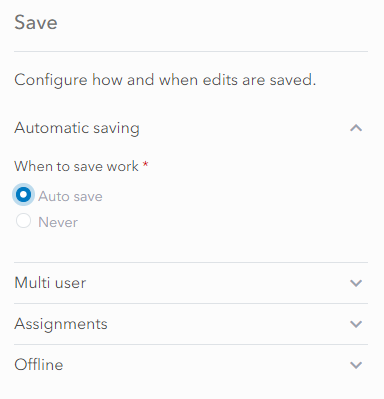
By default UNE, saves all edits automatically without a user having to click on a Save button.
Never Saving
The Never option means changes are never saved. This can be useful for a training app.
On this page
By default UNE, saves all edits automatically without a user having to click on a Save button.
The Never option means changes are never saved. This can be useful for a training app.